
TapCal guides
Make your calendar and widgets your own
Your calendar is something you look at every day. TapCal lets you choose a presentation that feels at home on your screen, from a simple system font to a more colourful widget.
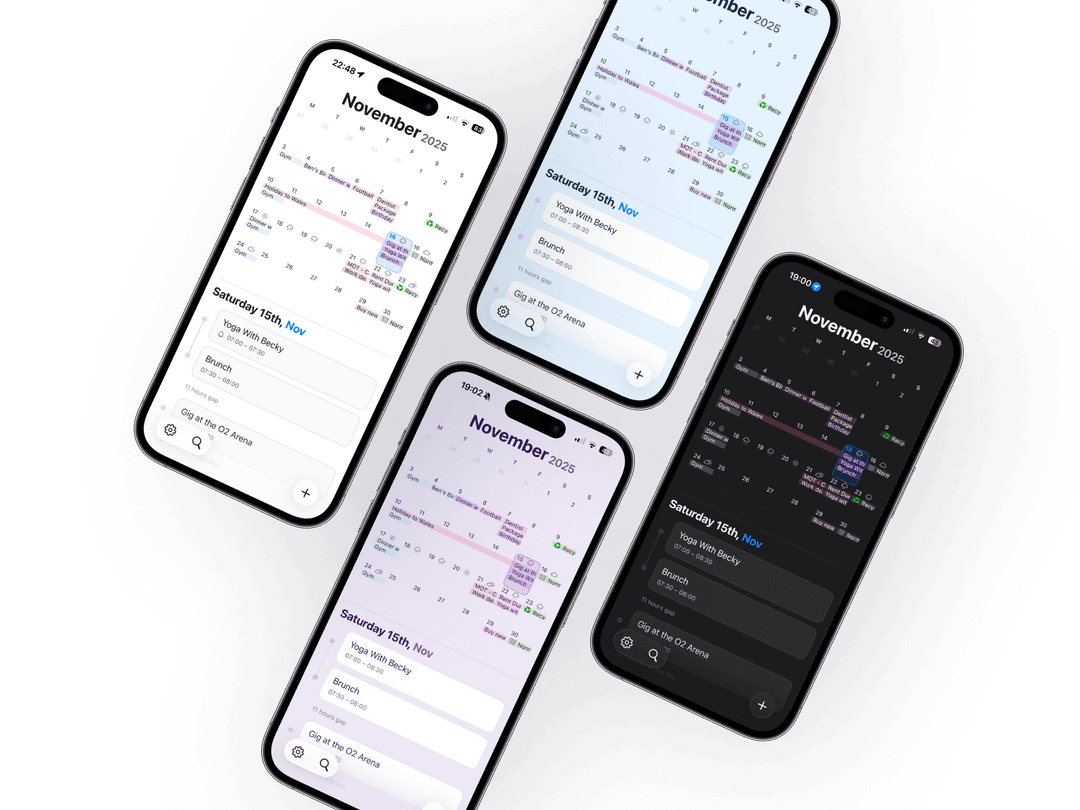
Separate looks for your app and widgets
Configure calendar and widget appearances independently, with separate light and dark choices. Basic appearance controls are free; Pro adds custom colours and premium presets. Supported devices can also use Pro AI theme design.
Choose a font
System and OpenDyslexic are free choices for supported calendar and widget text. Pro adds Rounded, Serif, Monospaced, Rubik, Fraunces and Lora. Preview the options and choose the one you prefer; font choice is personal and does not change all system or settings text.
Balance detail and space
Adjust supported title and layout controls to show the information you need. The free app month view includes three event slots per day; Pro adds a fourth. Events that do not fit in the grid are not deleted.
Your month in view. Your day in reach.
Try TapCal on iPhone and iPad. Core planning and widgets are free, with optional Pro features.
Download on the App Store