TapCal guides
Calendar widgets for iPhone and iPad
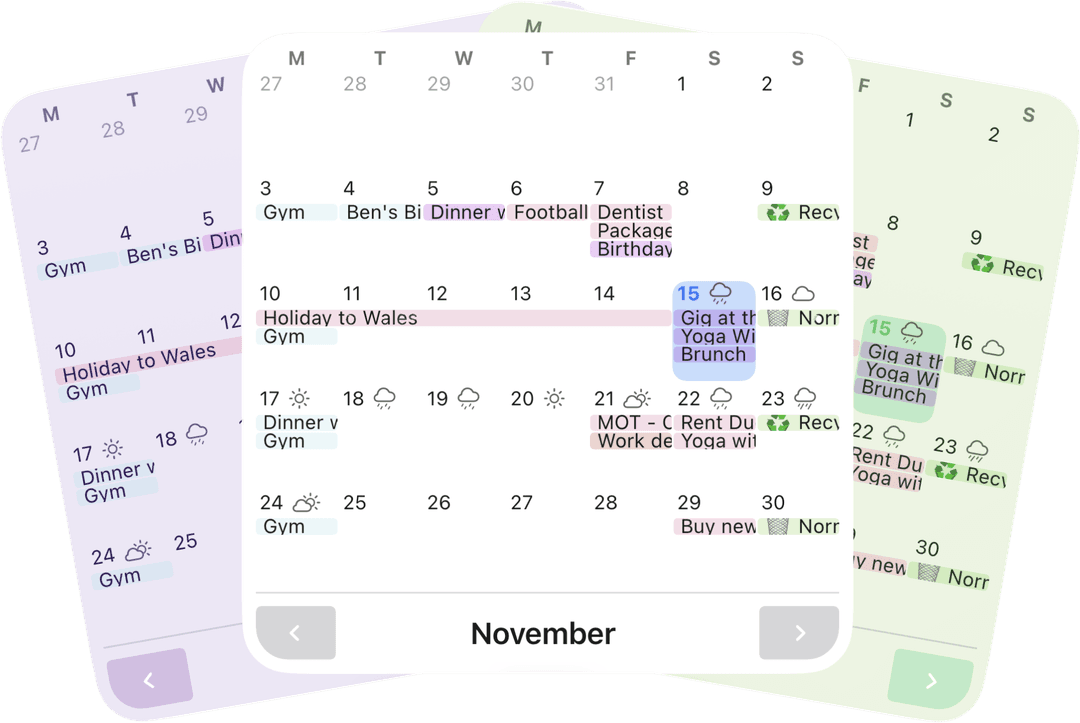
Keep the plans you want to see on your Home Screen. TapCal offers a full-month calendar, a focused week, lists and other layouts, so you can choose between a wider overview and the next thing on your schedule.
Choose the view that fits
Calendar offers Month and Week modes in medium and large sizes. Month & List combines a compact month heat map with a today-first list. You can also choose upcoming lists, an agenda, a heat map or an Event Countdown; calendar and reminder options are available for the Lock Screen too.
Set up an Event CountdownHow to add a TapCal widget
Touch and hold an empty area of your Home Screen, open the widget gallery, find TapCal and choose a layout and available size. Once added, touch and hold the widget and choose Edit Widget to configure its available options. For Event Countdown, select the event you want to follow.
- 1Touch and hold an empty area of your Home Screen.
- 2Tap Edit, then Add Widget, and search for TapCal.
- 3Choose a widget and available size, then add it.
- 4Touch and hold the widget and choose Edit Widget to configure its available options.
Free widgets and Pro options
Base Home Screen and Lock Screen configurations are available free, including all three countdown layouts. Pro unlocks selected extras such as rolling week, additional event density and premium appearance options. Widget detail depends on its size and configuration.
Your month in view. Your day in reach.
Try TapCal on iPhone and iPad. Core planning and widgets are free, with optional Pro features.
Download on the App Store