
TapCal guides
Create iPhone calendar events by typing a sentence
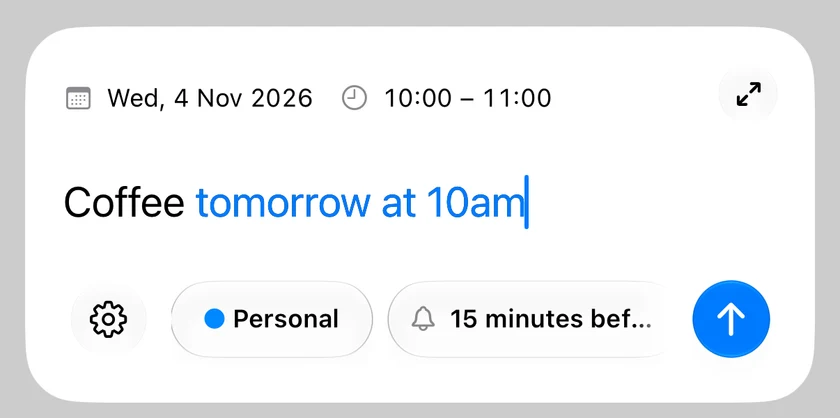
TapCal Pro can recognise a date and time from a typed phrase such as “Lunch tomorrow at noon”. Enable Natural Language, type your event and check the suggested schedule before saving.
Turn on natural-language input
TapCal can suggest a schedule from supported phrases as you type. Different wording can be interpreted differently, so always check the suggested time.
- 1Open TapCal Settings → Natural Language and enable the feature. Natural-language recognition requires Pro.
- 2Select a day, tap + and type an event such as “Lunch tomorrow at noon”.
- 3Check the suggested date and time and adjust them if needed, then save the event.
Free Quick Add and Pro recognition
Manual Quick Add is free: enter a title and choose the date and time yourself. Pro adds natural-language date and time recognition. In the full editor, Auto Apply can fill recognised dates automatically.
Add more detail when you need it
Expand your Quick Add draft into the full editor to add notes, guests or repeat rules. Save common event details as templates: five are available free, or up to twenty with Pro.
See the natural-language event guideYour month in view. Your day in reach.
Try TapCal on iPhone and iPad. Core planning and widgets are free, with optional Pro features.
Download on the App Store